Quick activation
Lines usually go live about 10 minutes after checkout. Your login and a setup guide arrive by email, so you can be signed in and watching before the pregame show wraps up.

XoomsTV IPTV puts 50,000+ live channels and 200,000+ movies and series on the screens you already own, with ABC, CBS, NBC, FOX, ESPN and HBO right up front. Try a free line on WhatsApp first, then pay once for the term you want. Activation usually takes about 10 minutes.
Speed is the whole idea: quick to try, quick to activate and quick to reach the channels US viewers look for first.
Lines usually go live about 10 minutes after checkout. Your login and a setup guide arrive by email, so you can be signed in and watching before the pregame show wraps up.
Explore a 24-hour trial on your own device. Request access through live chat or email. No credit card needed.
Network channels such as ABC, CBS, NBC and FOX, plus ESPN, TNT, HBO and coverage of the NFL, NBA, MLB and NHL, are the core of what we point new subscribers to on day one.
Because the list runs past 50,000 channels, the same plan reaches BBC One, Sky Sports, beIN Sports, DAZN and Canal+ whenever your taste, or your family, stretches beyond the US.
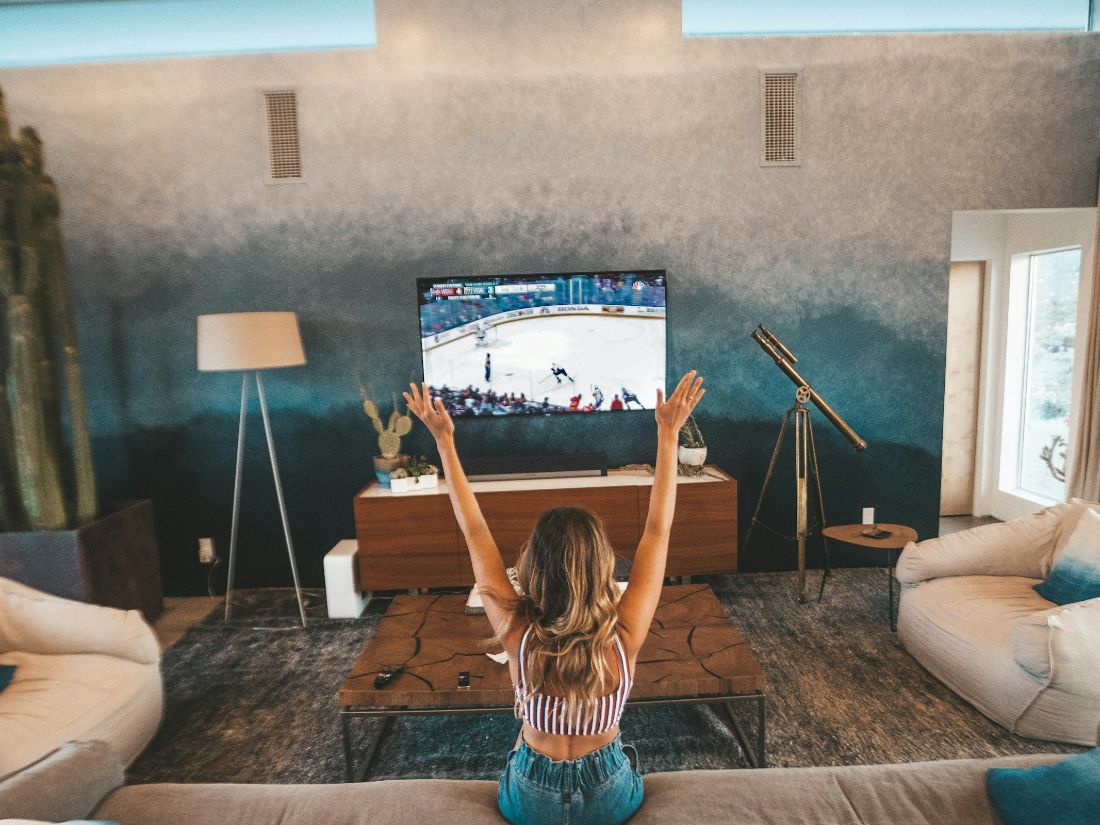
Sunday football, weeknight hoops, October baseball or a title fight late on Saturday. The sports groups put US leagues first and the biggest international competitions right behind them, streamed from servers that switch sources instead of freezing when a crowd tunes in.
Every plan opens the whole service. The only choices you make are the term length and how many screens play together.
ABC, CBS, NBC and FOX for news and prime time, ESPN and TNT for the games, HBO for your Sunday night series. US groups sit at the top of the list, so you are not digging through thousands of foreign feeds to find them.
When you want the Premier League on Sky Sports, BBC One from London, or soccer abroad on beIN Sports and DAZN, the same login already covers it. International groups live right next to the American ones.
An on-demand library sits inside the same player as your live channels. Pick a film after the final whistle without switching apps, starting a second subscription or paying for each title.
Where a broadcaster sends 4K, you get 4K. Everything else plays in HD or Full HD, depending on the source feed, so big games and nature docs look the way they were shot.
Scroll the EPG to see what is on tonight and later in the week, then use catch-up to go back to a show you missed instead of waiting for a rerun.
Load-balanced servers with automatic failover move your stream to a healthy source when one gets crowded. That matters most in the last two minutes of a close game.
Explore a 24-hour trial on your own device. Request access through live chat or email. No credit card needed.
Your username, password and server URL land in your email, usually within about 10 minutes of paying, together with a setup guide for your device.
Type those details into any Xtream Codes or M3U player on your TV, stick, phone or computer. Live channels, the guide and the movie library fill in on their own.
No new box to buy and nothing to rent from a cable company. XoomsTV IPTV works with any M3U or Xtream Codes player, which covers Fire TV Stick, Android TV and Google TV, Samsung and LG smart TVs, Apple TV, iPhone and iPad, Android phones and tablets, Windows, macOS, MAG, Formuler, NVIDIA Shield, Chromecast and Enigma2. Save your login on as many devices as you like; your plan only decides how many of them stream at the same moment.


200,000+ movies and series wait in the same app as your live channels. Browse by category, binge a full season over the weekend or line up a family film for Friday night. There is no second subscription and no rental fee per title, and titles play in HD, Full HD or 4K depending on the source.
Choose how many screens will play together, then pick your subscription length.
One connection means one screen streaming at a time.
Watch on 1 screen
Watch on 1 screen
$20USD total
One payment for 1 month
Watch on 1 screen
$40USD total
One payment for 3 months
Watch on 1 screen
$60USD total
One payment for 6 months
Watch on 1 screen
$80USD total
One payment for 12 months
Watch on 1 screen
$140USD total
One payment for 24 months
No monthly billing. No automatic renewal.
Checkout opens in a new tab. Your selected duration and screen count are carried over.
Quality, channel availability, EPG and catch-up depend on the source and compatible player. Player apps may charge separately.
Quick answers on trials, activation, devices, screens, renewal and refunds. If your question is not covered here, WhatsApp support answers around the clock and can check anything specific to your line.
Still have a question? A person answers on WhatsApp, usually within minutes.
WhatsApp supportXoomsTV IPTV is a TV subscription delivered over your internet connection. It carries 50,000+ live channels and 200,000+ movies and series. You receive a username, password and server URL, sign in through an M3U or Xtream Codes player, and watch US networks, sports and international channels on your TV, phone or computer.
Yes. Some people search for Xooms TV, Xooms IPTV or simply XoomsTV, and every one of those names means this service at xoomstviptv.com. Plans are bought through our secure store at iptvservices.online, which opens in a new tab, and support answers on WhatsApp at +44 7577 326684.
Explore a 24-hour trial on your own device. Request access through live chat or email. No credit card needed.
Activation usually takes about 10 minutes. Your username, password and server URL come by email with a setup guide attached. If the message has not appeared, look in your spam or promotions folder first, then contact support on WhatsApp or live chat with the email address you entered at checkout.
The line-up is built with US viewers in mind: network channels such as ABC, CBS, NBC and FOX, plus ESPN, TNT and HBO, along with NFL, NBA, MLB and NHL coverage. Local affiliate stations can differ by market, so use a trial line to check the stations that matter in your area before paying.
Anything that runs an M3U or Xtream Codes player. That includes Fire TV Stick, Android TV and Google TV, Samsung and LG smart TVs, iPhone, iPad, Apple TV, Android phones, Windows, macOS, MAG, Formuler, NVIDIA Shield, Chromecast and Enigma2. On most of them you install a player from the device's app store and enter your login.
Plans cover 1 to 5 screens. A screen means one stream playing at a given moment, so a 2-screen plan lets the living room and a bedroom watch different channels together. The login itself can be saved on unlimited devices; only the number playing at the same time is capped.
No. You make a single payment for the term you choose, and no card is kept on file. There is no contract and no automatic renewal. When the term runs out the line stops, and you can come back by buying another term whenever you are ready. Support can walk you through the options on WhatsApp.
Explore a 24-hour trial on your own device. Request access through live chat or email. No credit card needed.